Study smarter. With your materials.
Filo Studio is your workspace for any university degree. Read, annotate, and prepare for exams with AI using your own texts, notes, and syllabi.

For any university
Set up your study space around the courses and curriculum of your degree.




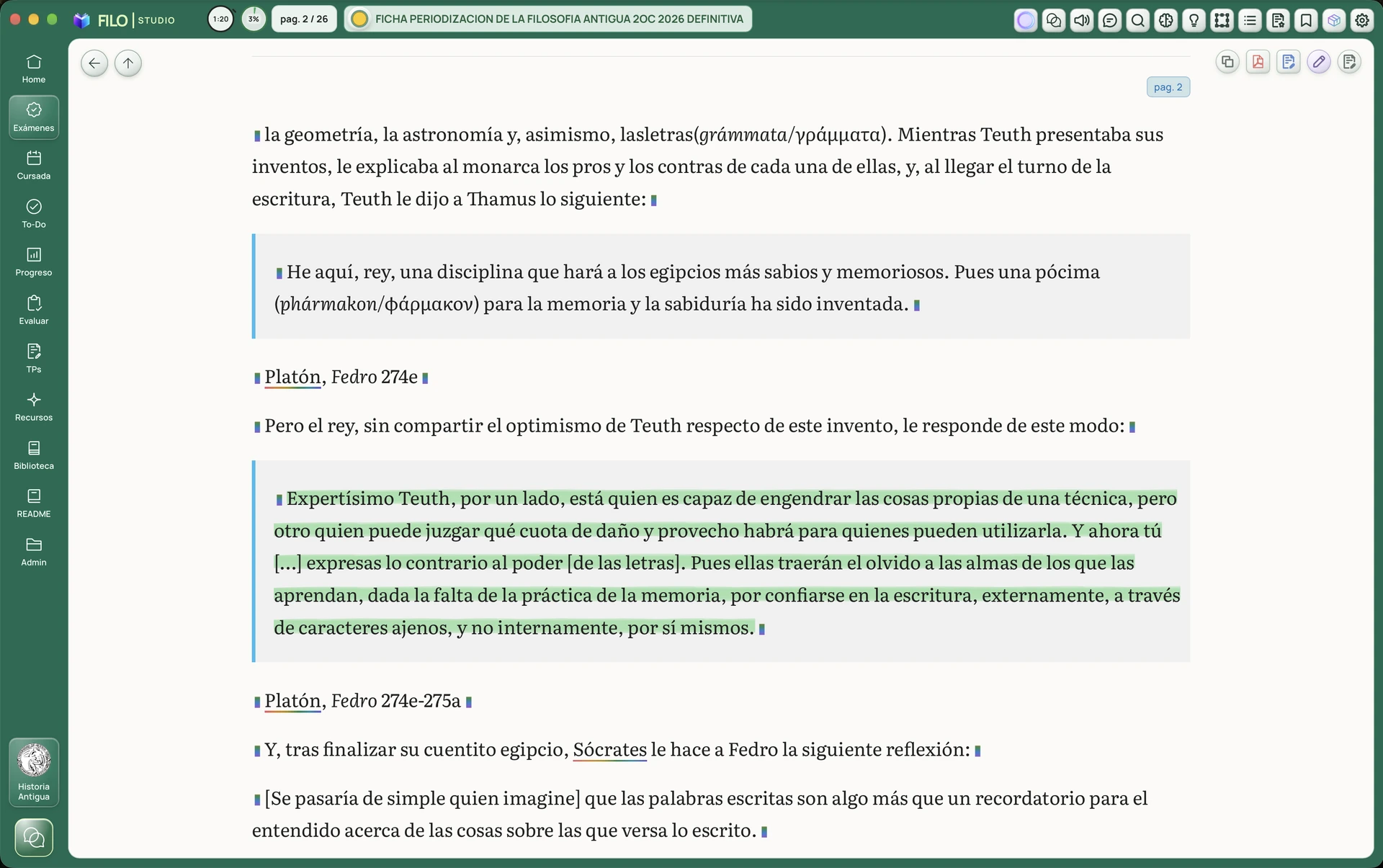
AUGMENTED READING
Understand more of what you read.
Keep your study tools within reach as you read. When a passage slows you down, get help in the document and keep your train of thought.
- Highlights and bookmarks
- Mark passages in different colors, bookmark key points, and pick up where you left off.
- Focused reading
- Navigate with the table of contents, switch to Zen mode, or listen to the text aloud while following along.
- Help with a passage
- Select a passage to ask AI for a clearer explanation, a definition, a translation, or a summary.
NOTES AND CONTENT
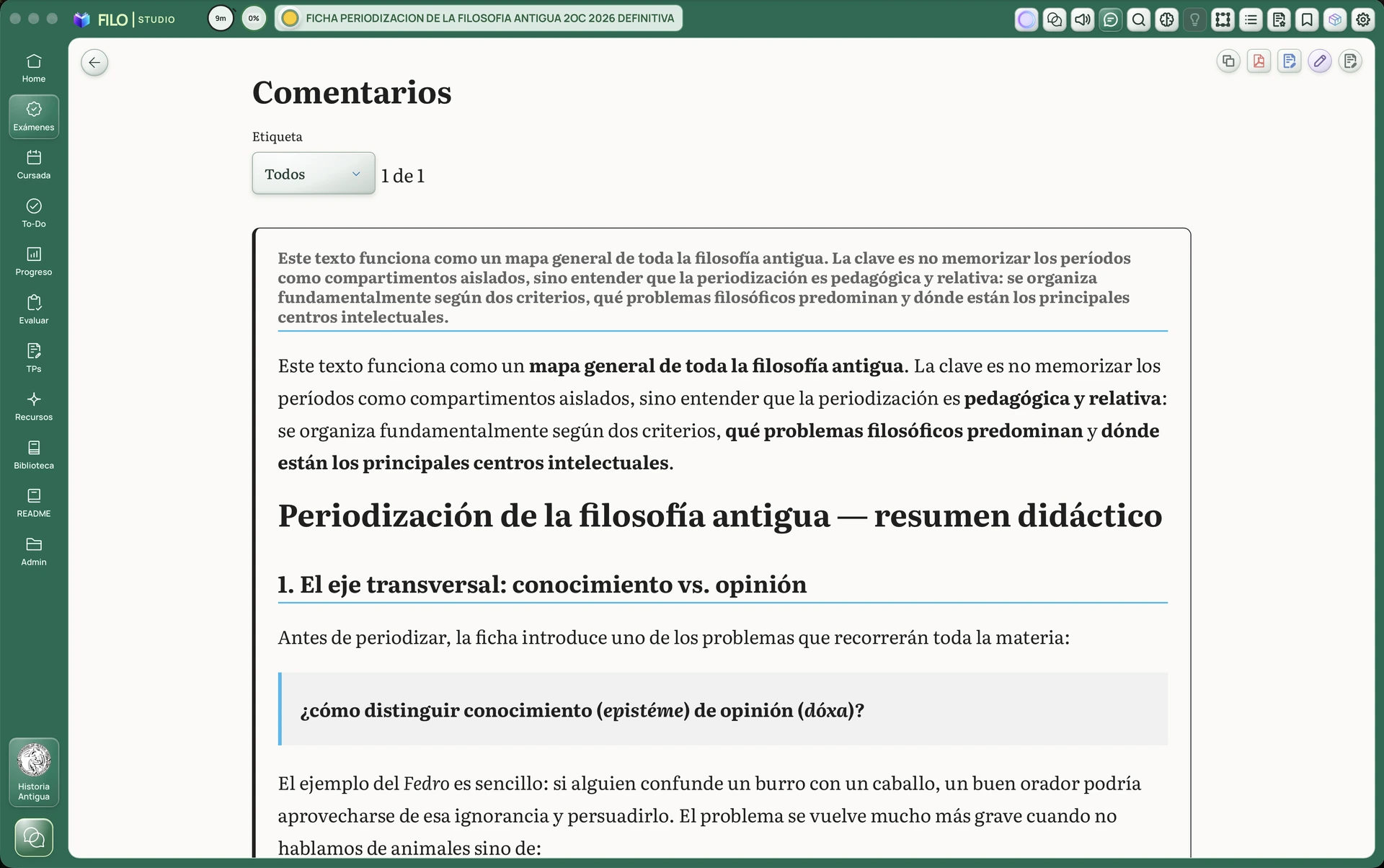
Take notes you can think with.
Save what you understood, what you still have questions about, and what you want to explore. Each note stays linked to its original passage.
- Comments in context
- Write in the margin while keeping the source intact. Open the comments view to review your notes together, or jump back to the passage.
- Concepts and maps
- Make concept cards or ask AI for a first draft. Edit the definition and explore how it relates to other ideas in the text.
- Enrich your reading
- Use AI on a selection to reconstruct an argument, compare viewpoints, or summarize a section. Save useful results as comments.
ARTIFICIAL INTELLIGENCE
Study with AI using your own sources.
Work through questions as they come up, then spend more of your time understanding and practicing. AI uses the passage, document, or syllabus you’re studying as context.

- AI chat
- Ask a written question about a document or selection. Request an example, explanation, or comparison and save a useful answer as a comment.
- Real-time voice conversation
- Talk with AI designed for academic analysis while you read. It can consult the open document and answer aloud so you can explore a question in place.
- Prepare for exams
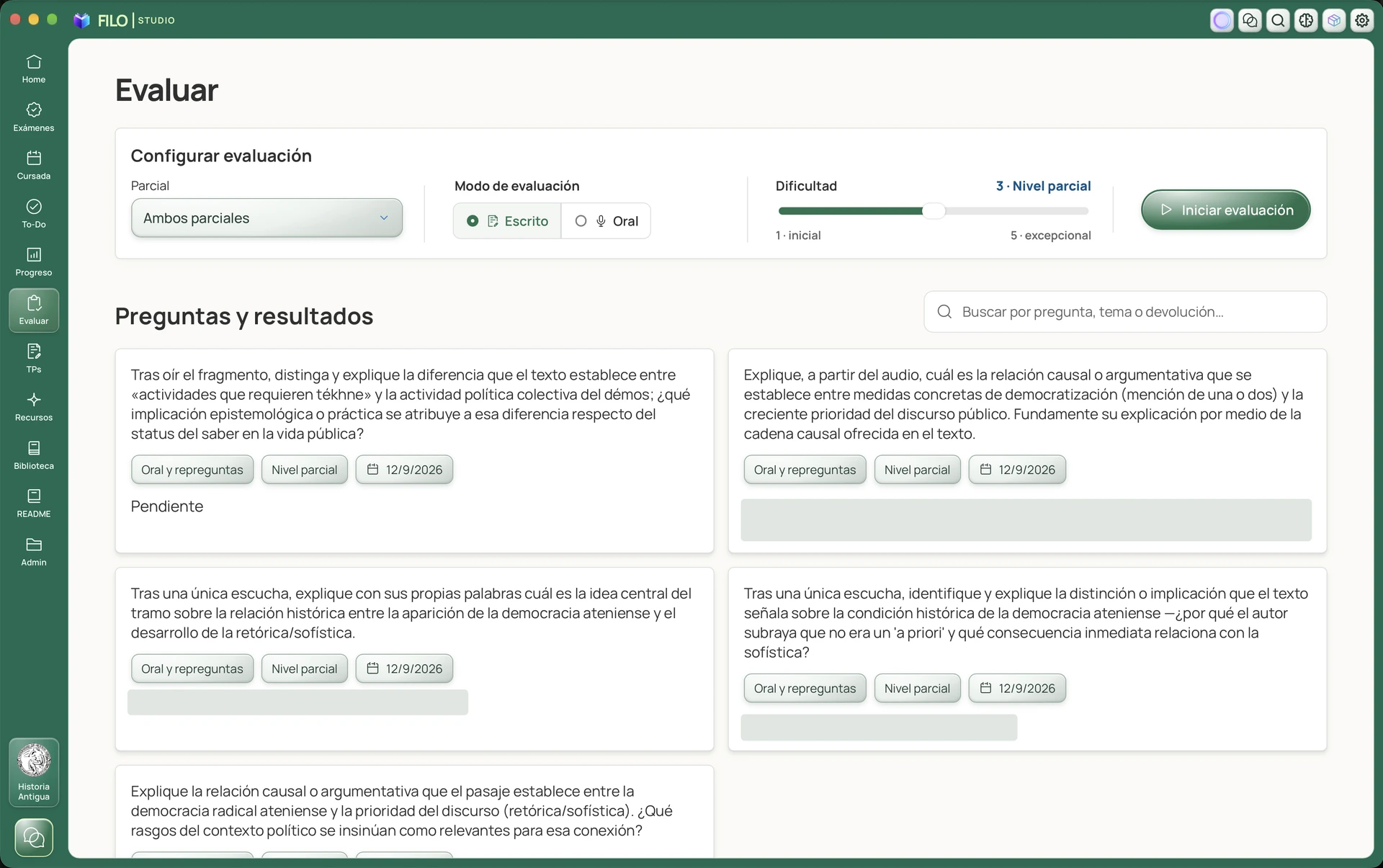
- Practice with questions based on your syllabus and readings. Choose a difficulty, answer in writing or aloud, and get feedback on what you got right and what to work on.
AI tools use the provider configured in the app.
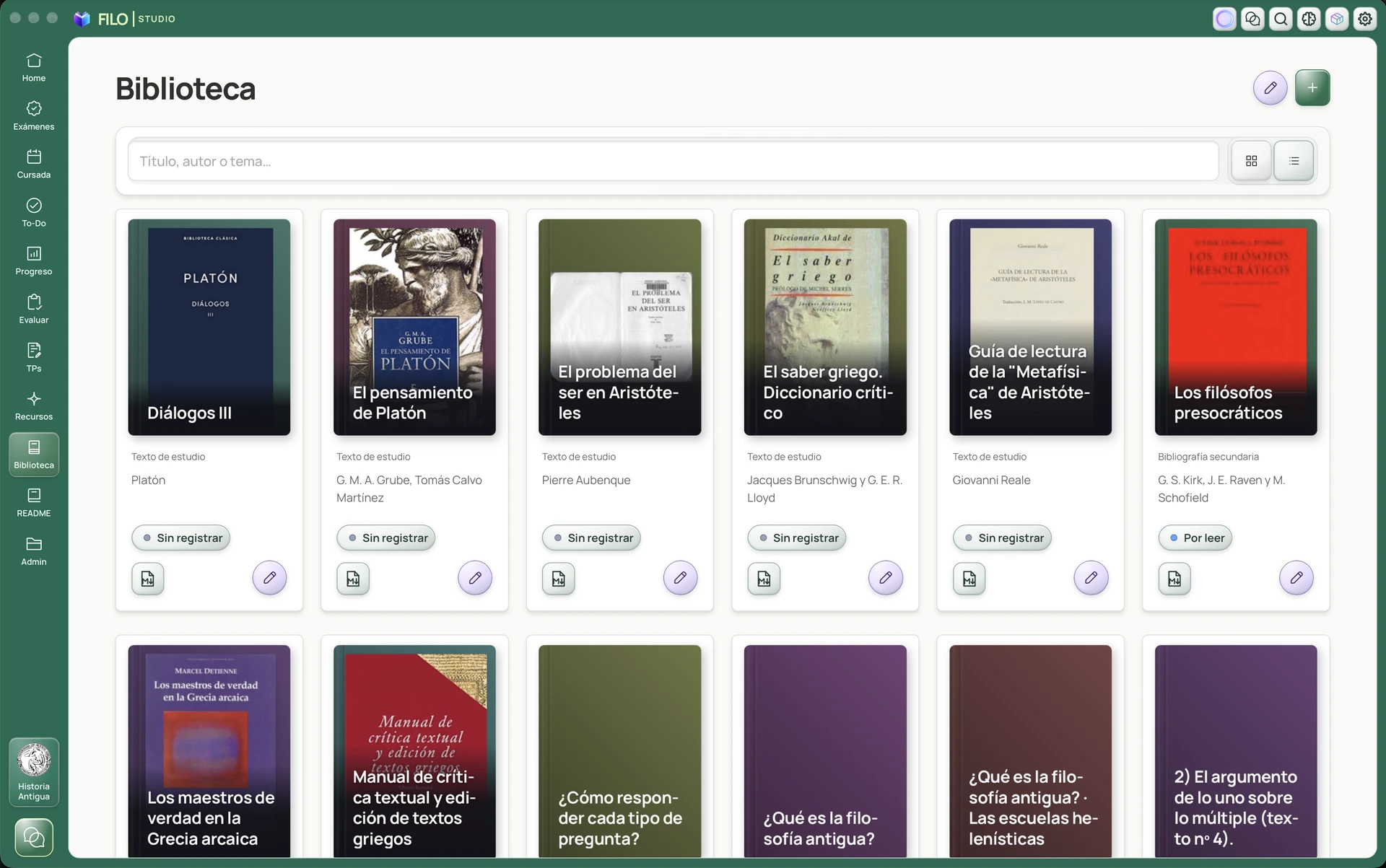
LIBRARY AND DOCUMENTS
Keep your readings within reach.
Build a working library for each course. Go straight from a search to a text and keep track of what you still have to read.
- Study library
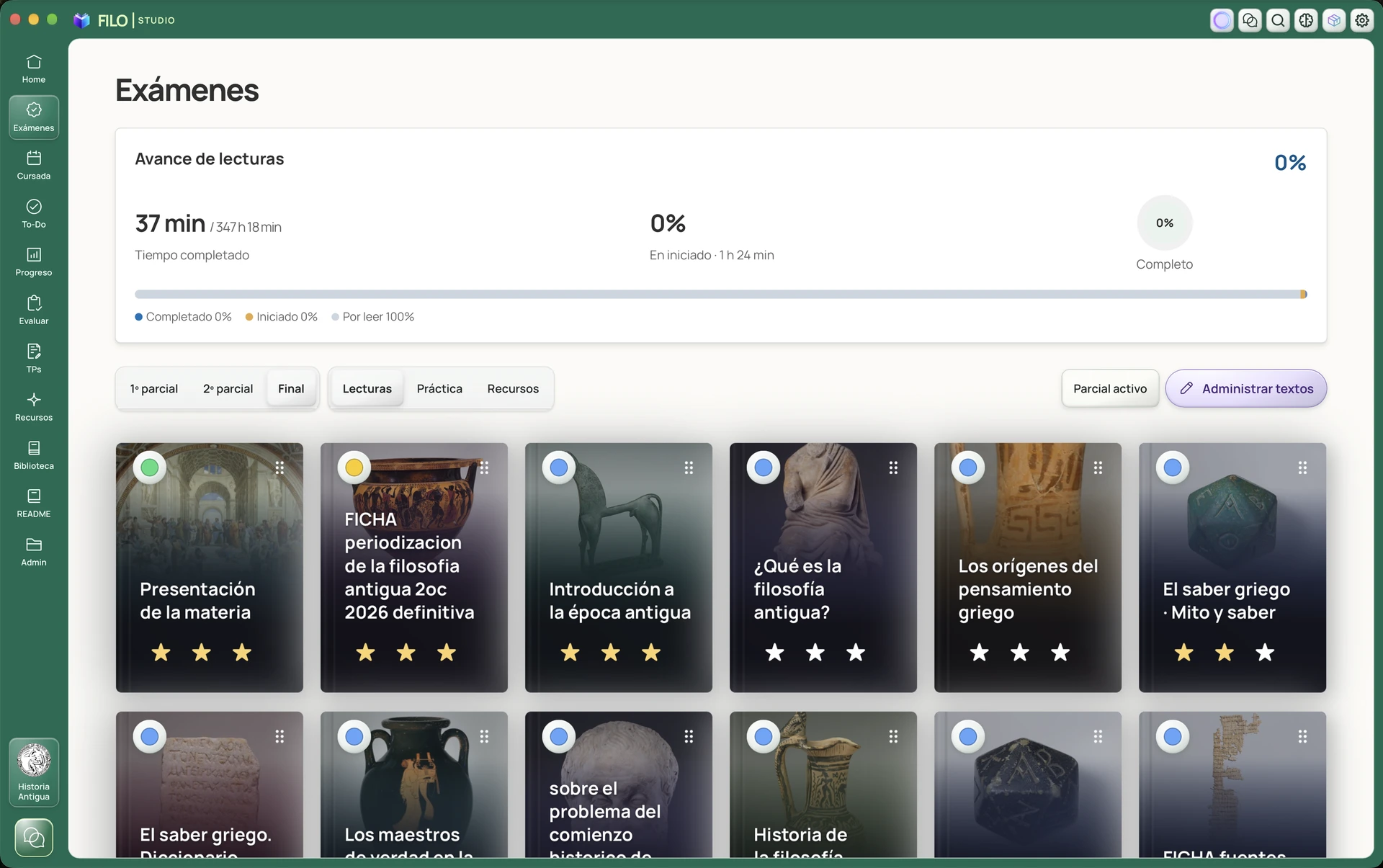
- Collect readings, notes, and presentations. Search by title or author, browse covers or a list, and track your reading status.
- Document manager
- Add files, create folders, and open the available formats for each item. Edit Markdown documents and review their history.
ACADEMIC ORGANIZATION
Manage your degree, one course at a time.
Keep your degree plan, term dates, and course documents within reach. Use your progress to decide what to take next and where to focus.
- Degree and courses
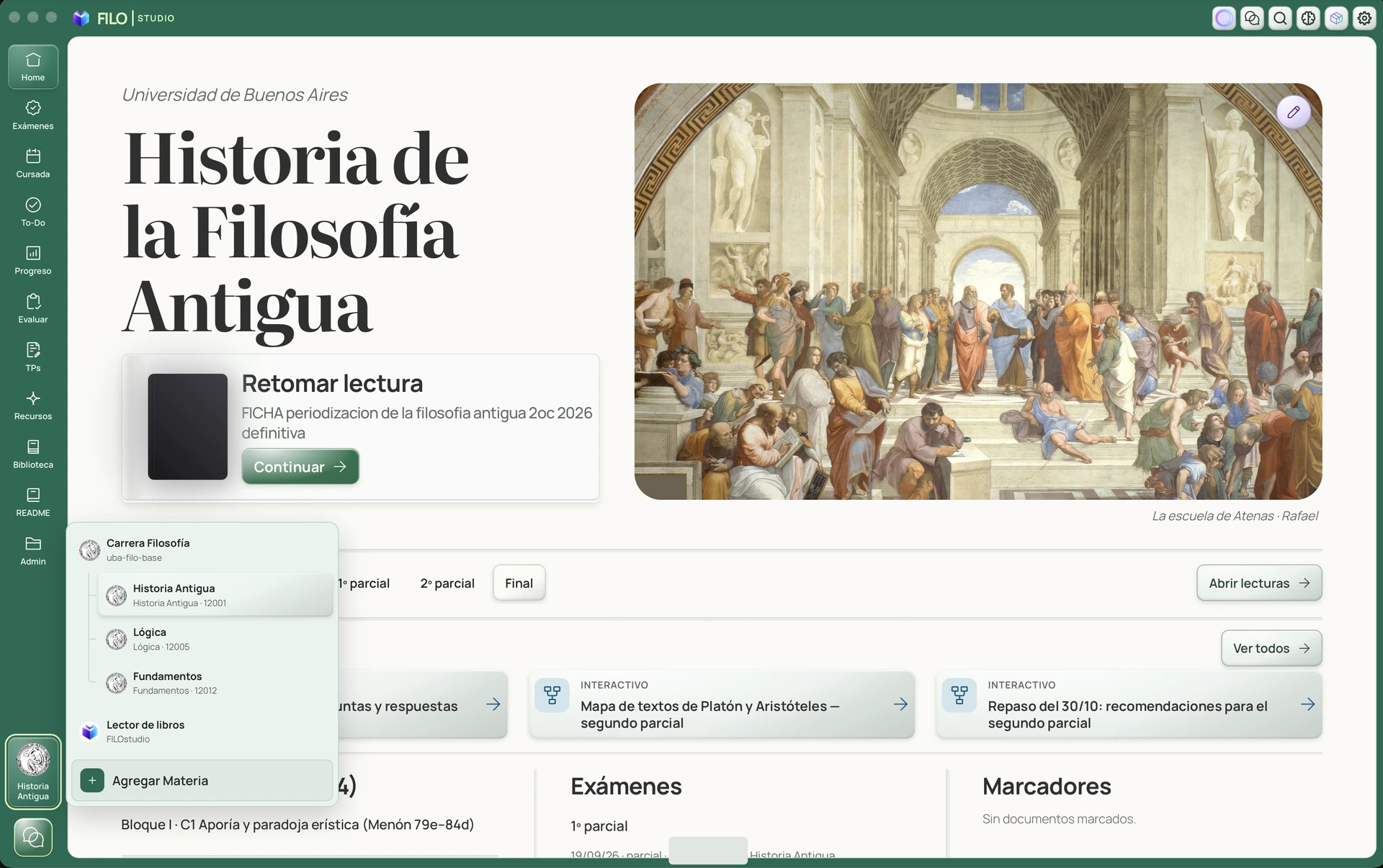
- Create or add courses, switch between them, and review requirements, completed courses, and what you still need to take.
- Classes, assignments, and exams
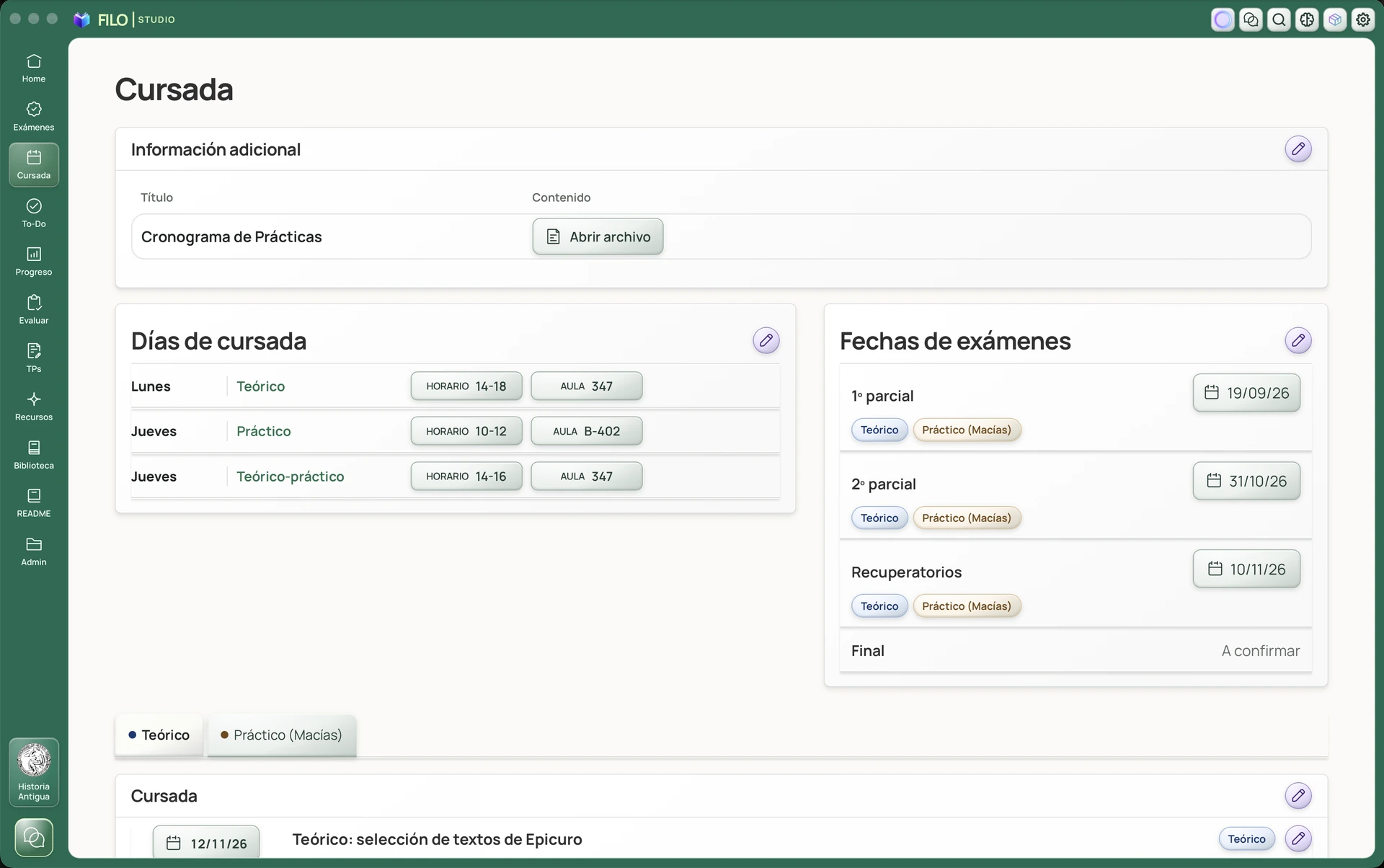
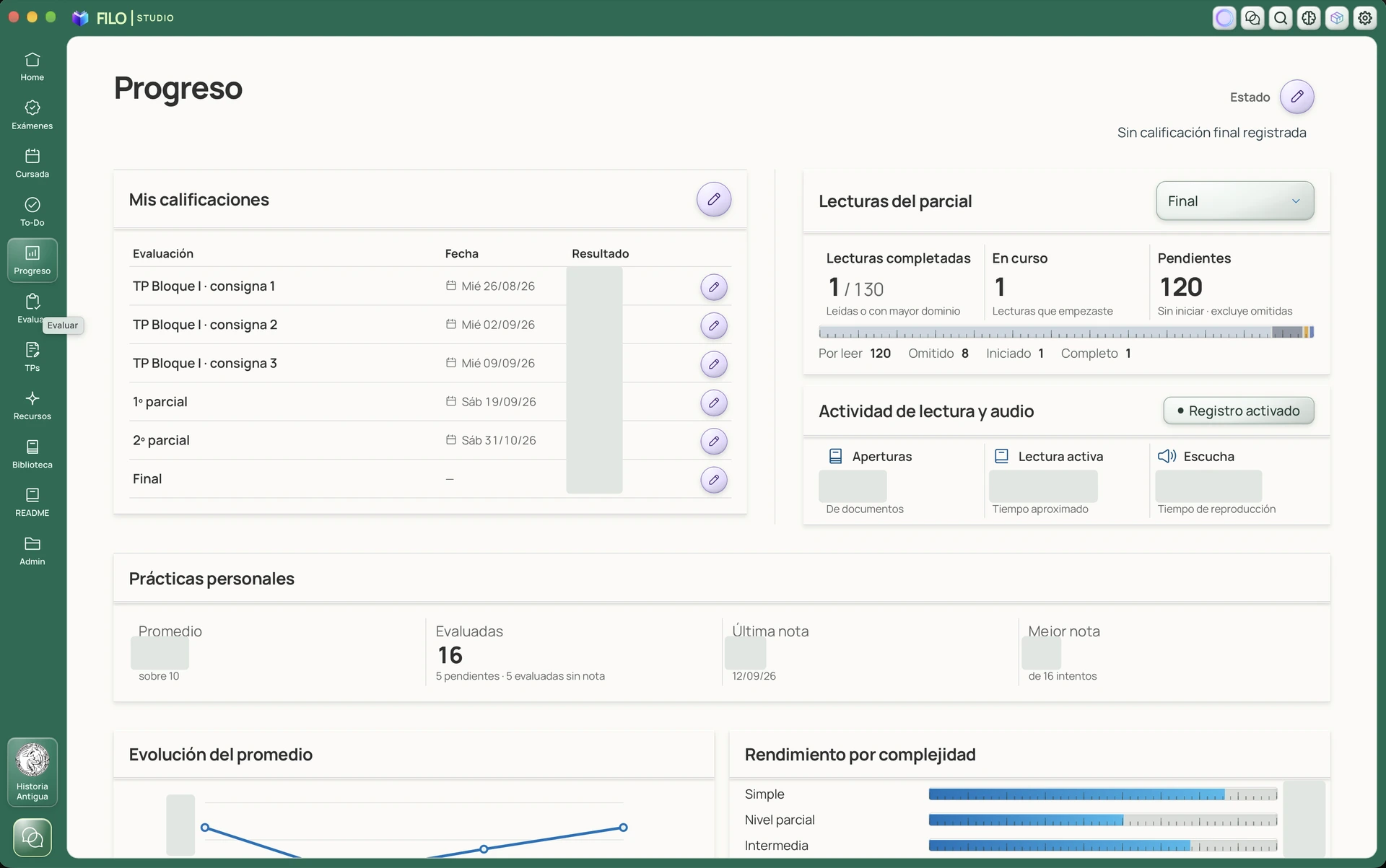
- Organize your schedule, assignments, and to-do list. Review reading progress, practice history, and the grades you’ve recorded.
- Enrollment and paperwork
- Keep syllabi, certificates, and paperwork in your Administration folders so they’re easy to find when you enroll or submit a document.

Inside Filo Studio.
Real screenshots from an example course. Select an image to enlarge it.
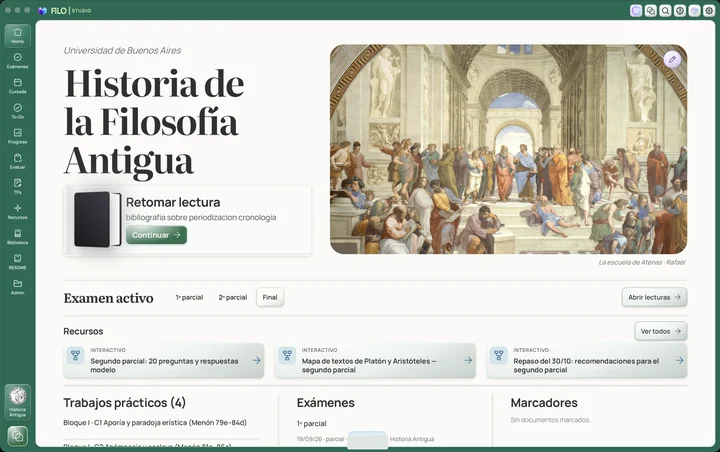
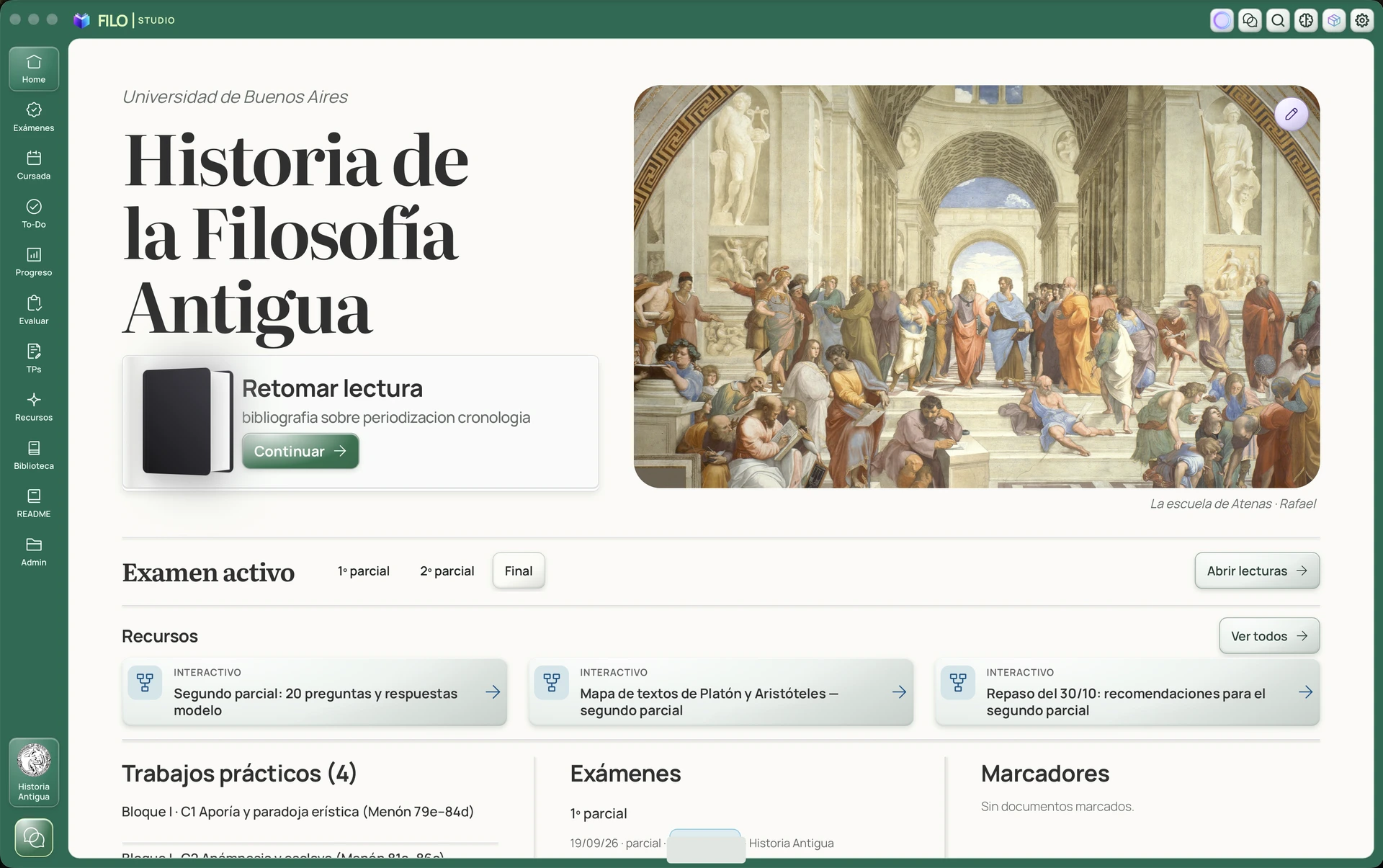
Course dashboard 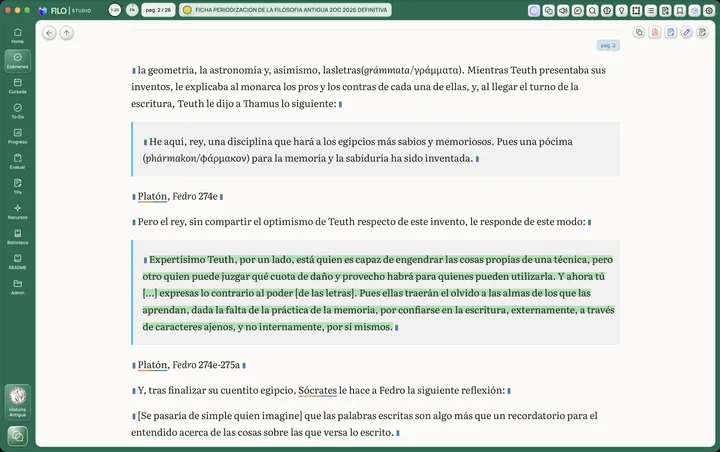
Reader and highlights 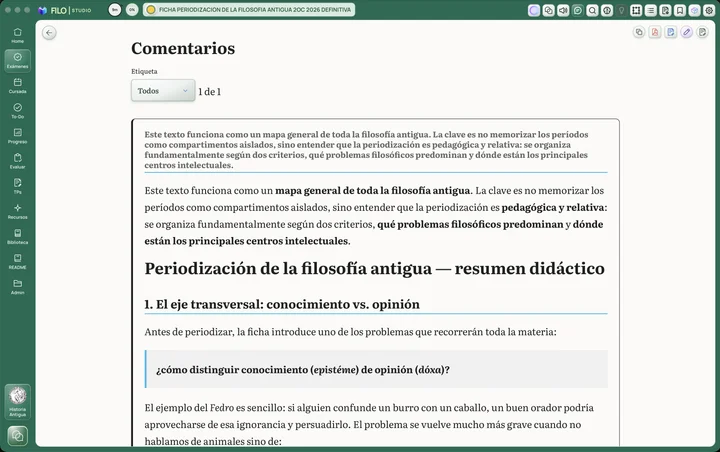
Comments view 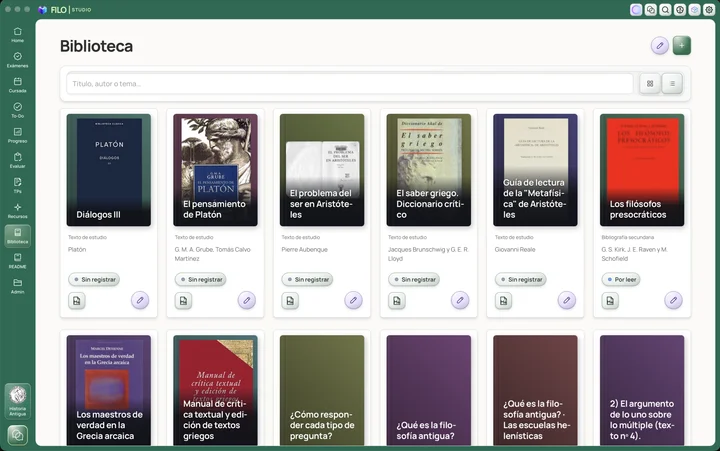
Library 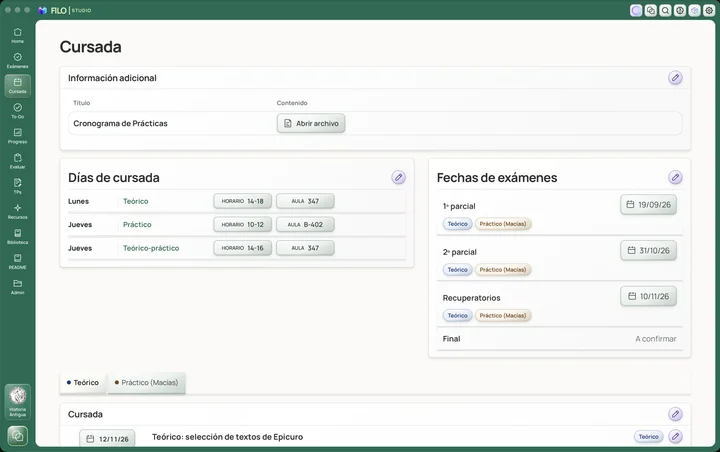
Coursework 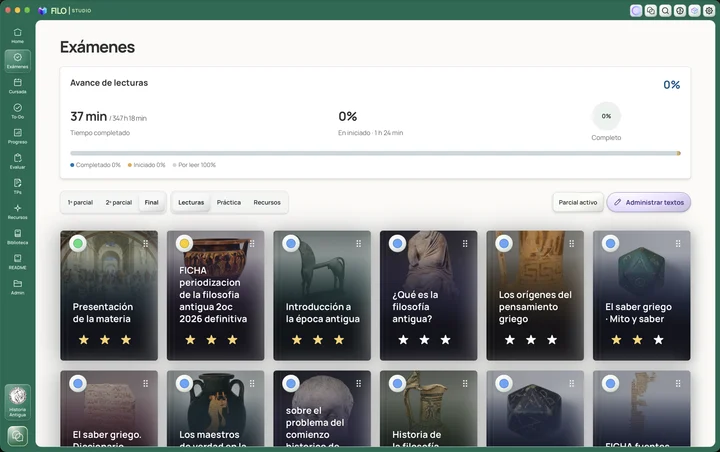
Exam materials 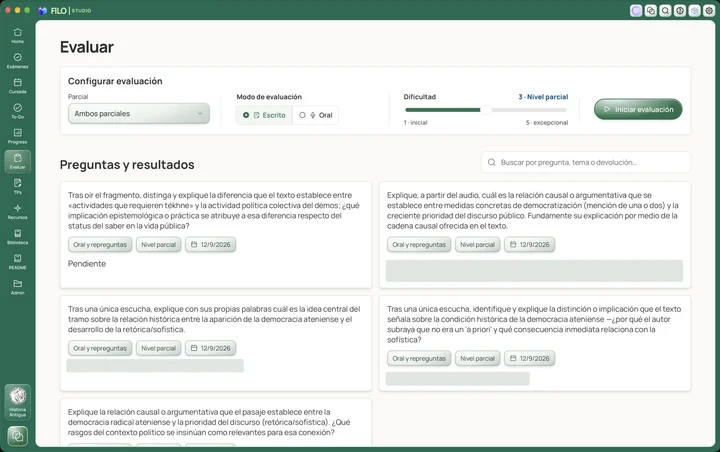
Assessment 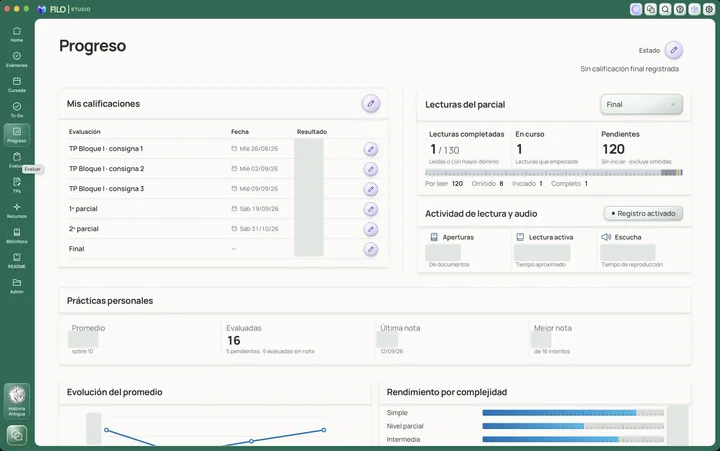
Progress 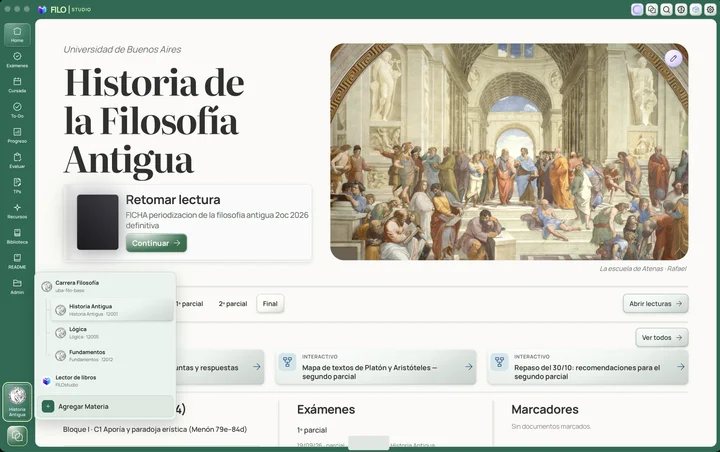
Course switcher 
Launch screen
Download Filo Studio.
The first public release is in development for Macs with Apple Silicon. The installer will be available here.
Filo Studio
macOS · Apple Silicon
Coming soon